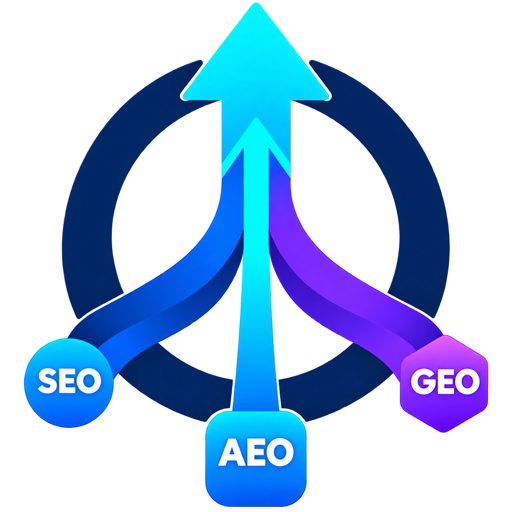
Product flow
How it works
One shortcode. One public URL. Three independent channel scores — Search, Answers, and Generative AI.
- Install & activate Upload the WordPress plugin zip, activate GEO Signal Search by Bon Air Media, then open Settings to choose logo variant and optional API key / Stripe links.
-
Add a shortcode
Place
[geo_signal_search]or[geo_signal_search_by_bon_air_media]on any page or post. Optional:urlandbuttonattributes. - Submit context Visitors (or you) enter a public HTTP(S) URL plus optional target query, audience, and conversion goal.
- Audit runs The built-in auditor fetches readable HTML and scores SEO, AEO, and GEO independently. If an API key is configured, a connected analysis can run too — with local fallback if the service is down.
- Act on findings Each finding includes evidence, why it matters, a recommended action, validation guidance, and suggested output when useful. Print or save as PDF from the browser.
Built-in audit
Default path. Runs on your WordPress server with PHP DOM. No external call required. Best for immediate, on-site page-level checks.
- Public HTML pages
- Independent SEO / AEO / GEO scores
- Evidence + recommendations
Optional API
Add a GEO Signal Search API key in Settings when you want connected analysis. The submitted URL and optional context are sent to the configured service.
- Opt-in via API key
- Falls back to built-in if unavailable
- Configure privacy & retention before public use
Scope note: Password-protected pages, private networks, blocked requests, non-HTML files, and JavaScript-only content may not be fully analyzable.